



Why I built this
GitHub Classroom’s decommissioning on August 28, 2026 left me needing a new way to distribute starter code to students through GitHub. I had used Classroom primarily for its “accept assignment” link, which gave each student a private copy of an assignment’s starter code. I wanted to preserve that functionality without moving my course to a new paid platform.

What I wanted
- One private repo per student per assignment, copied from a template. The starter code arrives with a fresh history, and no student can see another’s work.
- Repos that belong to the course GitHub organization. Every repo lives in one organization under a consistent name, and the teaching team can see it from the moment it exists.
- Students should only have Write access to their own repositories in the GitHub organization. They can push, but they can’t make the repo public, delete it, or add people.
- One link for the whole term to accept assignments. There’s no list of assignments to keep in sync anywhere.
- Safe to submit twice. A second submission sends back the same repo instead of creating a duplicate.
- Clear messages when something’s wrong, such as a typo in a username or a student who hasn’t joined the organization yet.
- Nothing new to host or pay for.
Why not just use template links?
My initial approach was a no-code option. GitHub opens a prefilled “create a repository” page from a link like this:
https://github.com/new?template_name=my-cool-template&template_owner=my-github-username
Once students click it, each student gets a copy of the starter code. It’s free and takes a minute to set up, but also comes with these downsides:
- The repo belongs to the student. It’s created under their own account, so they choose its name, owner and visibility.
- Instructors see nothing until they’re invited. Each student has to add the teaching team as collaborators by hand. Some forget, and you find out when it’s time to grade.
- Every invitation is an email. The students who do remember send each instructor an invitation per assignment. A class of 40 with eight assignments means 320 invitations for each person on the teaching team, each accepted one at a time.
- There’s nowhere to manage it from. You build and post a link per assignment, with no record of who has a repo, no way to close an assignment, and no list of everyone’s work except the links students send you.
What it does
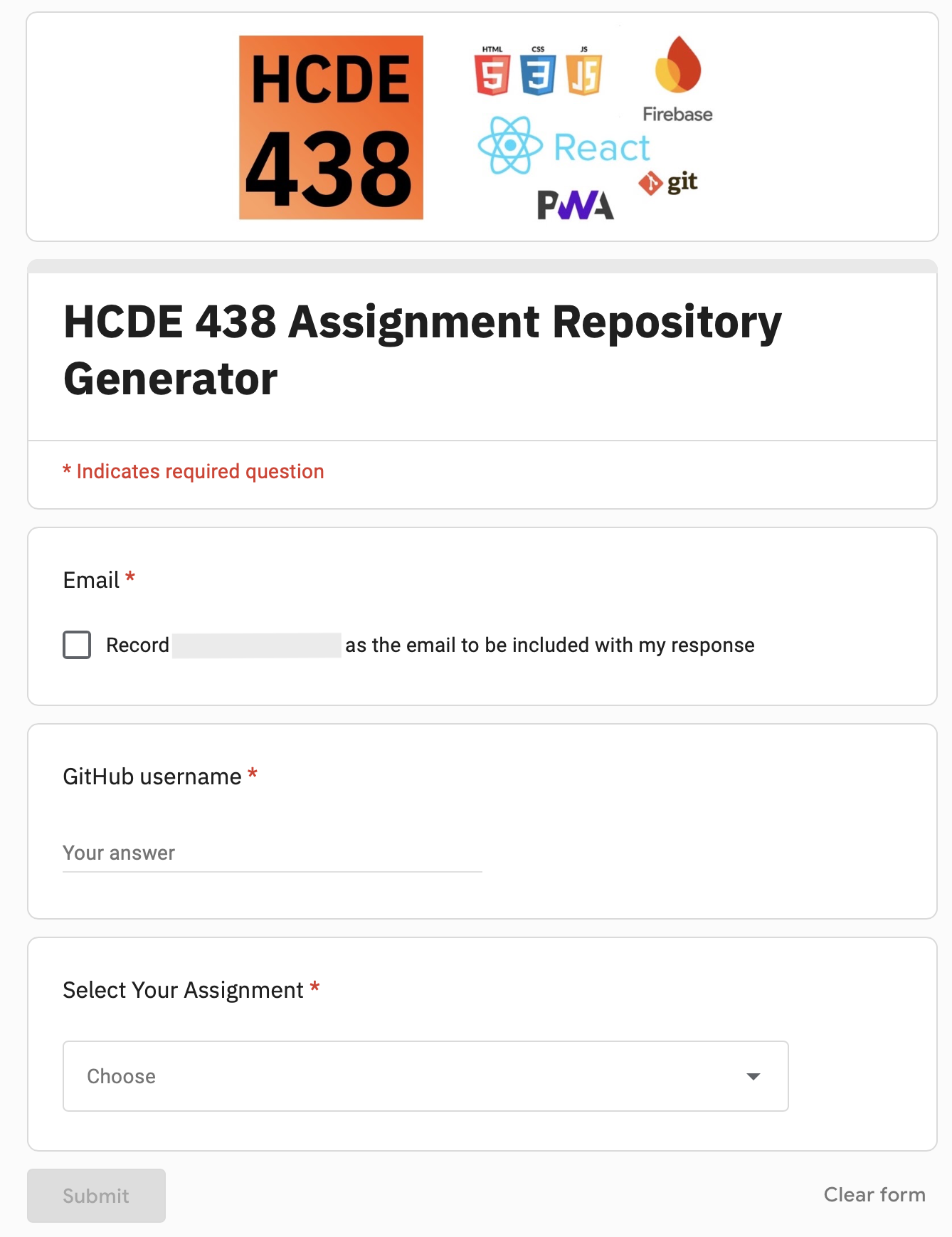
It’s a Google Form with one Apps Script file attached. Assignments will be fetched and student repos are generated with GitHub’s API automatically, so the only thing instructors need to maintain are the template repos themselves.
For the teaching team, an assignment is a template repository in the course organization:
- Create a repo with the starter code and tick Template repository in its settings.
- Its description becomes the assignment’s name in the form’s dropdown, within 15 minutes or right away from the form editor.
- To close the assignment, untick the box or archive the repo. Students keep the repos they already have.
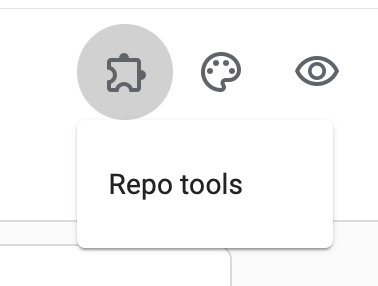
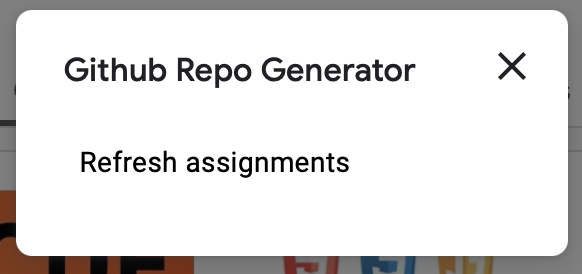
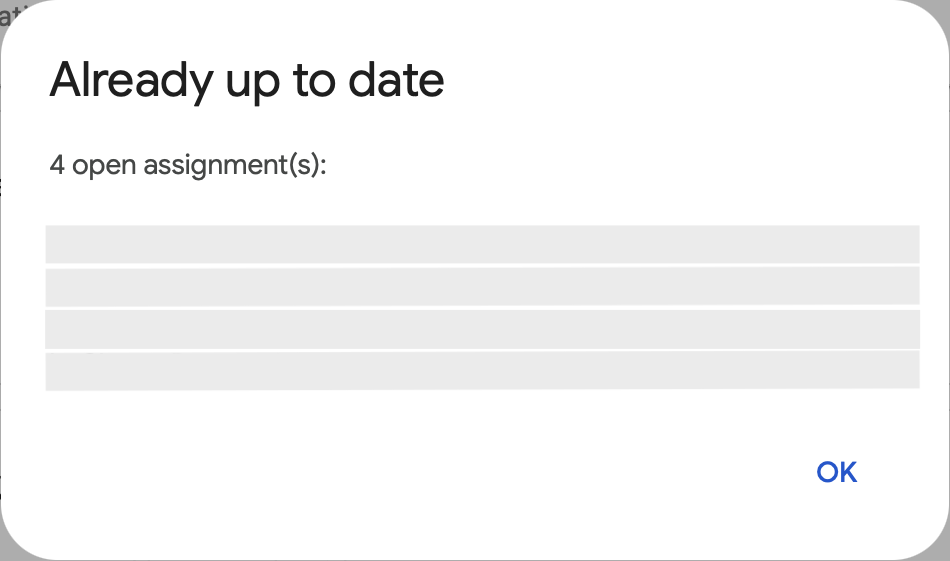
For students, it’s three steps:
- Join the course’s GitHub organization at the beginning of the quarter.
- For each assignment, fill in the form with their GitHub username and pick the assignment.
- Open the link in the email that arrives a moment later. They already have Write access, so they can clone and start working on it immediately.
Behind the scenes, every submission goes through these checks:
Student submits the form
  │
  ├─ Assignment closed? ─────────────→ Email: no longer accepting repos
  ├─ Username invalid or not found? ─→ Email: double-check your username
  ├─ Not in the organization yet? ───→ Email: ask to be added
  ├─ Already has a repo for it? ─────→ Restore access if needed, re-send the link
  │
  └─ Create a private repo from the template
       → add the student with Write access
       → email the link
Every repo is created automatically in the organization, and its base permission is set to “No permission”, so students can’t see each other’s work while organization owners can see all of it. To find every student’s repo for an assignment, I can search the organization for the template’s name.
What’s next
The form covers everything I used Classroom for, but there’s more I’d like it to do in the future:
- Group assignments. One repo shared by a team, with every member added.
- Locking repos at the deadline. Switch students to Read access once an assignment is due, so the version that gets graded is the one submitted on time.
- Joining the organization from the form. Send the organization invitation automatically, so students skip the separate first step.
- Bulk download for grading. Clone every student’s repo for an assignment in one step.